
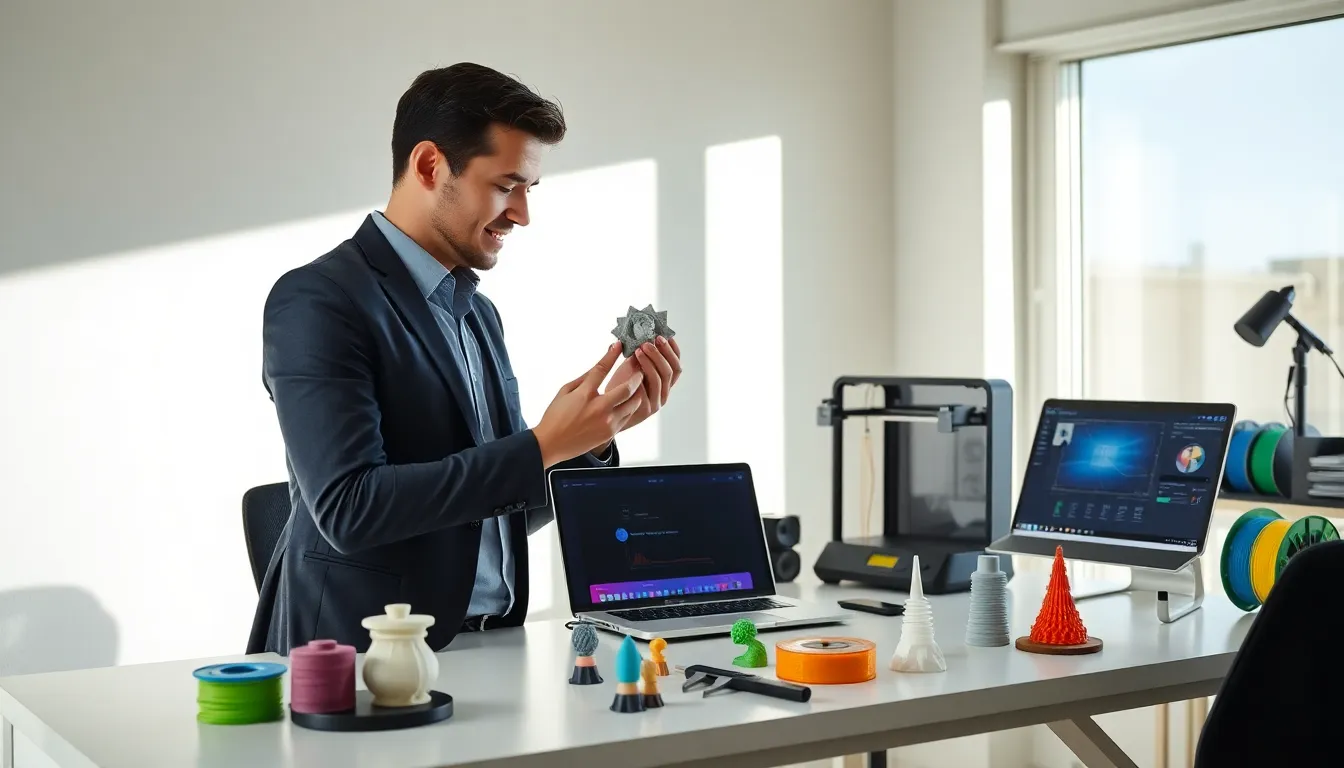
Good 3D printing tips can save hours of frustration and wasted filament. Whether someone just unboxed their first printer or they’ve been at it for years, certain techniques consistently produce better results. The difference between a failed print and a flawless one often comes down to preparation, settings, and knowing how to fix problems quickly.
This guide covers the essential techniques that separate mediocre prints from professional-quality results. From printer calibration to post-processing, these 3D printing tips will help anyone get more consistent, impressive output from their machine.
Table of Contents
ToggleKey Takeaways
- Proper bed leveling and extrusion calibration are foundational 3D printing tips that prevent adhesion issues and inconsistent layers.
- Match filament type to the right temperature settings—PLA prints at 190-220°C, PETG at 230-250°C, and ABS requires an enclosure at 220-250°C.
- Nail the first layer by slowing speed to 20-30mm/s, increasing layer height slightly, and ensuring the build surface is clean with isopropyl alcohol.
- Fix stringing by increasing retraction distance and lowering nozzle temperature in 5°C increments until the problem stops.
- Post-processing techniques like sanding, priming, and painting transform raw prints into professional-quality finished parts.
- These 3D printing tips work for beginners and experienced users alike—consistent preparation and proper settings make the biggest difference in print quality.
Prepare Your Printer for Optimal Performance
Every successful print starts before the first layer goes down. Printer preparation might seem tedious, but skipping it leads to failed prints and wasted material.
Level the Bed Properly
Bed leveling remains one of the most important 3D printing tips for beginners and experienced users alike. An uneven bed causes adhesion problems, warping, and layer inconsistencies. Most printers use manual leveling with adjustment screws at each corner. The paper test works well, slide a piece of printer paper between the nozzle and bed, then adjust until there’s slight friction.
Auto-leveling systems like BLTouch make this easier, but they still require periodic calibration. Check the bed level before every print session, especially after moving the printer.
Calibrate E-Steps and Flow Rate
Extrusion calibration ensures the printer pushes out exactly the right amount of filament. Incorrect e-steps lead to under-extrusion (gaps, weak layers) or over-extrusion (blobs, stringing). Mark 100mm on the filament above the extruder, command a 100mm extrusion, and measure what’s left. Adjust e-steps in the firmware if the numbers don’t match.
Flow rate fine-tuning comes next. Print a single-wall cube and measure the wall thickness with calipers. The measured value should match the slicer settings. If not, adjust the flow rate percentage accordingly.
Clean the Nozzle and Check for Wear
A clogged or worn nozzle ruins prints fast. Cold pulls (atomic pulls) clear partial blockages effectively. Heat the nozzle to printing temperature, push filament through, cool it down, then pull it out, debris comes with it. Brass nozzles wear out over time, especially with abrasive filaments like carbon fiber or glow-in-the-dark materials. Swap them out every 500-1000 print hours or when quality drops.
Choose the Right Filament and Settings
Material selection affects everything from print quality to part strength. Each filament type needs specific temperature and speed settings to perform well.
PLA Settings and Best Uses
PLA remains the go-to filament for most users. It prints at 190-220°C with a bed temperature of 50-60°C. PLA doesn’t need an enclosure and handles overhangs well. The main downside? Low heat resistance, parts warp in hot cars or near sunny windows.
PETG and ABS Considerations
PETG offers better heat resistance and flexibility than PLA. Print it at 230-250°C with the bed at 70-85°C. Slow down the print speed slightly and increase retraction to reduce stringing.
ABS needs higher temperatures (220-250°C nozzle, 100-110°C bed) and requires an enclosure to prevent warping and layer splitting. The fumes aren’t pleasant either, ventilate the space properly.
Dialing in Your Slicer Profile
These 3D printing tips won’t help if the slicer settings are wrong. Start with the manufacturer’s recommended profile, then adjust based on test prints. Layer height affects detail and print time, 0.2mm works for most projects, while 0.12mm shows finer details. Print speed varies by material, but 40-60mm/s is a safe starting point. Infill percentage depends on the part’s purpose: 15-20% for decorative items, 40%+ for functional parts.
Master Bed Adhesion and First Layer Success
The first layer determines whether a print succeeds or fails. Poor adhesion leads to warping, shifting, and prints that pop off mid-job.
Surface Preparation Methods
Clean the build surface before every print. Isopropyl alcohol (90% or higher) removes oils and residue effectively. For glass beds, a light coat of glue stick or hairspray adds grip without creating a mess. PEI sheets work great for PLA and PETG, just keep them clean.
Perfect First Layer Settings
The first layer needs special attention in slicer settings. Increase the first layer height to 0.28-0.32mm for better squish. Slow down the first layer speed to 20-30mm/s. A slightly higher initial bed temperature (5-10°C above normal) helps adhesion, then drops to the regular temperature afterward.
Watch that first layer closely. The lines should be slightly flattened but not transparent or peeling. If the nozzle is too close, filament won’t flow properly. Too far, and lines won’t stick together.
Using Brims and Rafts
Brims add extra surface area around the print’s base, improving adhesion for parts with small footprints. A 5-10 line brim usually does the job. Rafts work for really tricky prints but waste material and leave a rougher bottom surface. These 3D printing tips apply especially to tall, narrow objects that tend to tip over mid-print.
Troubleshoot Common Printing Problems
Even with perfect preparation, problems happen. Knowing how to diagnose and fix issues quickly saves time and filament.
Stringing and Oozing
Stringing happens when melted filament drips between travel moves. Increase retraction distance (start at 5mm for Bowden setups, 1-2mm for direct drive). Lower the nozzle temperature in 5°C increments until stringing stops. Enable “combing” in the slicer to keep travel moves inside the print when possible.
Layer Shifting
Shifted layers indicate mechanical problems. Check belt tension, belts should twang like a guitar string when plucked. Loose pulleys on stepper motors cause shifts too. Tighten the set screws. If the printer moves too fast, acceleration settings might be too aggressive. Lower jerk and acceleration values in the firmware.
Warping and Cracking
Warping occurs when corners lift off the bed due to uneven cooling. An enclosure helps tremendously, especially for ABS. Increase bed temperature, add a brim, and turn off the part cooling fan for the first few layers. Layer cracking (delamination) points to too much cooling or insufficient nozzle temperature. Raise the temperature and reduce fan speed.
Post-Processing Techniques for Professional Results
Raw prints rarely look finished. Post-processing transforms good prints into great ones.
Sanding and Filling
Start with 200-grit sandpaper for rough areas, then work up to 400, 800, and 1000 grit for smooth surfaces. Wet sanding reduces dust and produces better results. Fill layer lines with automotive body filler or specialized 3D print fillers. Sand again after the filler cures.
Painting and Finishing
Primer is essential, it hides layer lines and helps paint adhere. Filler primer works double duty by filling small imperfections. Apply thin coats and sand between them. Acrylic paints work well on most filaments. Finish with a clear coat for durability.
Vapor Smoothing (ABS)
Acetone vapor smooths ABS prints to a glossy finish. Place the print in a sealed container with acetone-soaked paper towels (not touching the print). Check every few minutes, the surface becomes shiny and layer lines disappear. Don’t overdo it, or details melt away. These 3D printing tips for finishing make the difference between hobby-grade and professional-looking parts.