
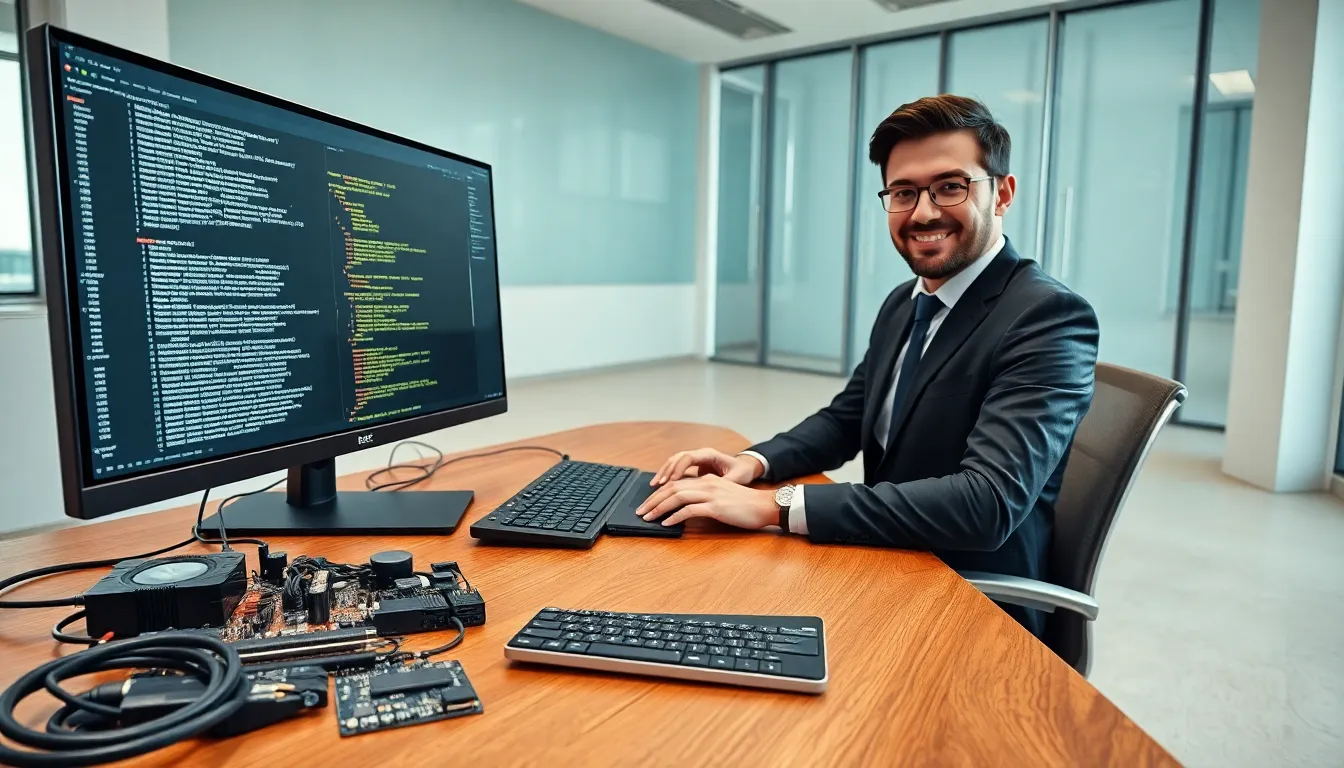
Hardware vs. software represents one of the most fundamental distinctions in computing. Every device people use daily, from smartphones to supercomputers, relies on both components working in sync. Hardware forms the physical parts users can touch, while software provides the instructions that make those parts useful.
Understanding this difference matters for anyone buying tech, troubleshooting problems, or simply wanting to know how their devices actually work. This guide breaks down what hardware and software are, highlights their core differences, and explains how they depend on each other to create functional technology.
Table of Contents
ToggleKey Takeaways
- Hardware vs. software represents the core distinction between physical components you can touch and the digital instructions that make them work.
- Hardware degrades over time and requires physical replacement, while software can be updated or patched remotely without touching the device.
- Drivers serve as essential translators between hardware and software, enabling communication between physical components and programs.
- Software reproduces at nearly zero cost through downloads, whereas hardware requires manufacturing resources for every unit produced.
- Optimal device performance depends on balancing capable hardware with well-designed software—one without the other cannot function.
- Understanding the hardware vs. software relationship helps with smarter tech purchases, easier troubleshooting, and better device maintenance.
What Is Hardware?
Hardware refers to the physical components of a computer or electronic device. These are the parts users can see, touch, and hold. Without hardware, software would have nothing to run on.
Types of Hardware
Hardware falls into several categories based on function:
- Input devices: Keyboards, mice, microphones, and scanners let users send data to a computer.
- Output devices: Monitors, printers, and speakers display or produce results from processed data.
- Storage devices: Hard drives, SSDs, and USB drives hold data for short-term or long-term use.
- Processing components: CPUs (central processing units) and GPUs (graphics processing units) handle calculations and run programs.
- Memory: RAM (random access memory) stores data temporarily while the system runs.
Hardware Characteristics
Hardware has distinct traits that separate it from software. First, it degrades over time. Physical components wear out, overheat, or break. Second, hardware requires manufacturing, factories produce chips, circuit boards, and casings. Third, upgrading hardware often means buying new parts. A faster processor or more RAM requires a physical swap.
Hardware also determines what software a device can run. A ten-year-old laptop may struggle with modern applications because its processor lacks the speed newer programs demand.
What Is Software?
Software consists of programs, applications, and operating systems that tell hardware what to do. It exists as code, lines of instructions written by developers. Users cannot physically touch software, but they interact with it constantly.
Types of Software
Software divides into three main categories:
- System software: Operating systems like Windows, macOS, and Linux manage hardware resources and provide a platform for other programs.
- Application software: Programs like web browsers, word processors, and video games perform specific tasks for users.
- Utility software: Antivirus programs, disk cleaners, and backup tools maintain system health and security.
Software Characteristics
Software differs from hardware in several key ways. It doesn’t wear out physically. A program works the same way whether it runs once or a million times. Software can be updated, patched, or completely replaced without touching the hardware. Developers release new versions to fix bugs, add features, or improve performance.
Software also reproduces easily. Copying a program costs almost nothing compared to manufacturing a physical component. This makes distribution fast and scalable. One download can reach millions of users within hours.
Core Differences Between Hardware and Software
The hardware vs. software distinction becomes clearer when comparing them directly. Here are the main differences:
| Aspect | Hardware | Software |
|---|---|---|
| Nature | Physical, tangible | Digital, intangible |
| Degradation | Wears out over time | Does not physically degrade |
| Updates | Requires replacement | Can be updated remotely |
| Cost | Manufacturing and materials | Development and licensing |
| Viruses | Cannot be infected | Vulnerable to malware |
| Transfer | Shipped physically | Downloaded or installed |
Tangibility
Hardware exists in physical form. Users hold a mouse, plug in a monitor, or install a graphics card. Software exists only as data stored on hardware. People cannot pick up an operating system or weigh a spreadsheet application.
Durability and Maintenance
Hardware breaks. Screens crack, fans fail, and batteries lose capacity. Fixing hardware often means repairs or replacements. Software doesn’t break in the same way, but it can have bugs. Developers fix these through patches and updates that users download.
Development and Production
Creating hardware involves design, prototyping, and manufacturing. Factories assemble components from raw materials. Creating software involves writing code, testing, and debugging. A single developer with a laptop can build an application. Mass production of software simply means copying files.
Cost Structure
Hardware costs include materials, labor, and shipping. Each unit requires resources to produce. Software costs concentrate in development. Once built, distributing software costs very little per copy.
How Hardware and Software Work Together
Hardware and software depend on each other completely. Neither functions alone. Hardware without software is just inert metal, plastic, and silicon. Software without hardware has nowhere to run.
The Boot Process
When someone powers on a computer, hardware and software begin a coordinated sequence. The motherboard’s firmware (software stored on a chip) initializes hardware components. It checks the CPU, RAM, and storage devices. Then it loads the operating system from the storage drive into memory. The OS takes over, managing hardware resources and launching applications.
Drivers: The Bridge
Drivers act as translators between hardware and software. When a user prints a document, the operating system sends instructions to a printer driver. The driver converts those instructions into commands the specific printer hardware understands. Without the right driver, hardware sits useless, the software cannot communicate with it.
Performance Balance
Optimal performance requires matching hardware and software. Powerful hardware running outdated software wastes potential. Advanced software on weak hardware runs slowly or crashes. This balance drives the tech upgrade cycle. New software demands more from hardware, pushing users toward newer machines.
Real-World Example
Consider a smartphone camera. The hardware includes the lens, image sensor, and processor. The software includes the camera app and image processing algorithms. Hardware captures light. Software interprets that data, applies filters, adjusts exposure, and saves the photo. Better hardware captures more detail. Better software makes smarter processing decisions. Together, they produce the final image.